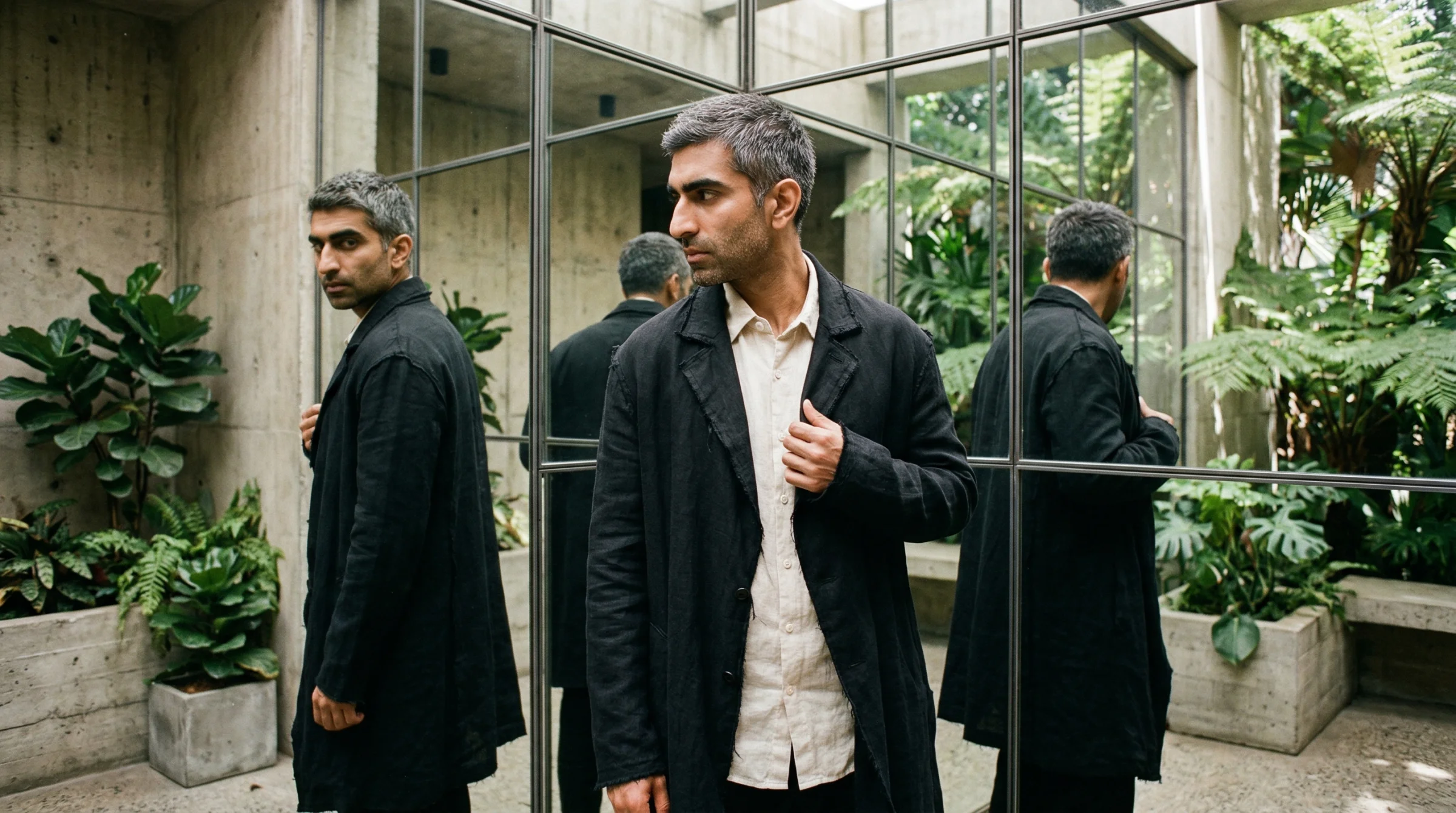
You generated a character. She had short dark hair, warm eyes, a quiet confidence. The image was perfect. You wanted a second image — same character, different pose. You typed the same description. What came back was a stranger.
Same hair colour. Same clothing. Different person.
This is the consistency gap. It is the single most common frustration in AI image generation. And it is not a bug. It is how these models work.
Why it happens
Every AI image model starts from noise. Literal noise — a field of random static, like television snow. The model’s job is to gradually remove that noise until a coherent image appears, guided by your prompt.
The critical thing: each generation starts from a different field of noise. Your prompt might be identical. The starting point is not. So the model makes different micro-decisions — the exact angle of a jaw, the precise distance between eyes, the specific curve of a hairline. Small differences compound. By the end, you have someone who looks related to your character but is not the same person.
There is no memory. No file that stores “this is what she looks like.” No reference the model checks against. Each image is generated in isolation, from scratch, every time.
This is fundamentally different from how a human illustrator works. An illustrator holds the character in their head. They have sketches, reference sheets, muscle memory. The model has none of this. It has your words and a pile of random noise.
Three ways consistency breaks
The drift shows up in three distinct patterns. Knowing which one you are fighting helps you choose the right fix.
Identity drift
The face changes. Not dramatically — the hair colour stays, the general age stays, the clothing stays. But the face is subtly different. The nose is narrower. The eyes are wider set. The jawline is softer. Across five images, you have five sisters instead of one person.
Identity drift is the most common failure and the hardest to fix with prompting alone. Faces are extraordinarily complex, and the models make thousands of micro-decisions about facial structure that your prompt cannot fully constrain. “Warm brown eyes” tells the model the colour but nothing about their shape, depth, spacing, or the specific way light catches the iris.
Attribute bleed
Features migrate between elements. A character’s red scarf becomes a red tint in her hair. A tattoo on her left arm appears on her right. A necklace she wore in one image becomes a collar on her jacket in the next.
This happens because models encode features as abstract concepts, not as fixed attributes attached to specific objects. “Red” and “scarf” are related to your character, but the model does not maintain a strict mapping of which attribute belongs where. In multi-character scenes, this gets worse — features from one character leak into another.
Pose degradation
Your character looks right from the front. Then you ask for a three-quarter view and something shifts. The proportions feel wrong. The face looks flatter. The body shape changes.
This is a training data problem. Most images in training datasets are front-facing or slightly angled. The model has seen fewer examples of the same identity from behind, from above, from unusual angles. So it fills in the gaps — and the gaps are where consistency breaks.
Quick fixes that help
You cannot fully solve this problem with prompting. If you could, no one would be frustrated by it. But you can reduce the drift significantly with a few practices.
1. Write a character bible
Before generating a single image, write a detailed, fixed description of your character. Not a prompt — a reference document. Include:
- Face shape, specific features (wide-set eyes, strong brow, narrow chin)
- Exact hair (style, length, colour, parting)
- Body type and proportions
- Default clothing
- Any distinguishing marks
Then copy this description verbatim into every prompt. Do not rephrase it. Do not paraphrase. Use the exact same words every time. Rephrasing introduces variation, and variation is what you are fighting.
This alone will not give you perfect consistency, but it narrows the window of drift considerably. If you are new to writing detailed descriptions, Your First AI Image covers the fundamentals of how to describe what you see.
2. Use reference images where the model supports them
Most current models accept reference images — existing images you upload alongside your prompt. The model uses the visual information from these images to guide the generation.
Nano Banana Pro accepts up to 5 character reference images. Nano Banana 2 accepts up to 4 character references. Midjourney V7 replaced its --cref (character reference) parameter with Omni Reference (--oref), which is actually more capable — it handles images from outside Midjourney better and understands compositional elements more intelligently.
If you have been using Midjourney V6’s --cref parameter and upgraded to V7, your old workflows broke. This is not a minor tweak — the parameter literally does not work in V7. You need to learn Omni Reference instead. It is better, but it is different.
The principle across all models: generate one strong image, then feed it back as a reference for subsequent generations. Each new image uses the previous best image as its identity anchor.
If you want to experiment across multiple models to find which gives you the best base character to build from, platforms like Flora Fauna let you access 50+ models in one workspace — useful when you are still searching for the right starting point.
3. Lock your seed (but know its limits)
Most models let you set a seed value — a number that determines the initial noise pattern. Same seed, same starting noise, more similar results.
But here is the honest truth: seeds help with composition and layout consistency, not character identity. Two images with the same seed but different prompts will have similar compositions — the subject in roughly the same position, the background arranged similarly — but the face and fine details will still drift. Seeds are a supporting tool, not a solution.
Use them alongside reference images and detailed descriptions. Do not rely on them alone.
4. Generate in sessions, not one-offs
Some models maintain a form of contextual memory within a single session. Nano Banana Pro retains contextual embeddings from earlier prompts in the same conversation. This is not true memory — it is more like a conversational thread where the model can reference what came before.
The practical takeaway: do your character work in one sitting. Generate the first image, refine it, then generate variations without starting a new session. The moment you close the conversation and start a new one, that contextual thread is gone.
The ceiling of quick fixes
These techniques will get you from “completely different person every time” to “recognisably the same character with some variation.” For many projects — social media posts, one-off illustrations, casual creative work — that might be enough.
But if you need true consistency across dozens of images — the same character in a picture book, a brand mascot across a campaign, a comic character across panels — you need more systematic methods. Reference sheets designed specifically for multi-angle consistency. IP-Adapter pipelines that inject identity directly into the model’s attention layers. LoRA training that teaches the model your specific character.
These methods are what separate “close enough” from “production-grade.”
We cover all four methods in depth — from reference sheets to LoRA training — in Character Consistency Across 100 Images. It is the complete system for maintaining identity at scale.
The real lesson
Character consistency is hard because it fights against the fundamental architecture of these models. They are not designed to remember. They are designed to generate.
Every technique for consistency — reference images, seeds, character bibles, LoRA training — is an attempt to inject memory into a system that has none. Some inject it through the prompt. Some through the visual input. Some through the model’s weights themselves.
Understanding this helps you choose the right tool. A detailed prompt is the weakest form of memory injection. A trained LoRA is the strongest. Everything else falls in between.
Start with the quick fixes. They are free and immediate. When you hit the ceiling, you will know — because you will have five images that are close but not quite the same person. That is when the deeper methods become worth the investment.
Related
- Your First AI Image — the fundamentals of describing what you see to an image model
- AI Image Models in 2026 — which model is best for which job, including reference image support
- Character Consistency Across 100 Images — the complete system with four methods, from reference sheets to LoRA training
- The AI Creative’s Toolbox — platforms and tools for working across multiple models
Art & Algorithms publishes guides, tutorials, and prompt packs at the intersection of art and code. Subscribe for the full archive.